 wr1t3r
Write the long thing.
Keep it in your own Dropbox.
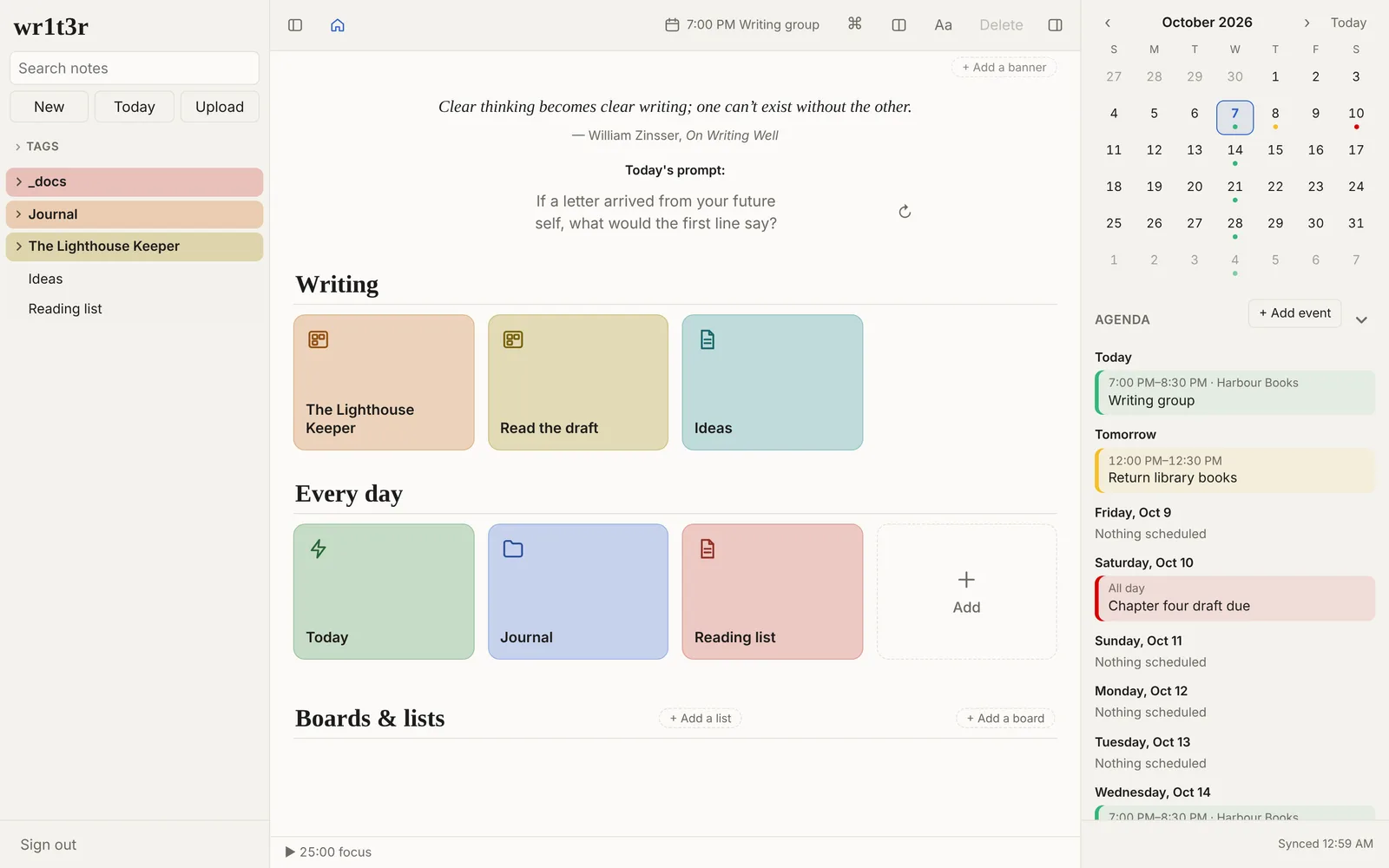
wr1t3r is a writing app for stories, books, journals and notes. Plan scenes on a corkboard, read the whole draft as one document, and keep a day planner next to it. Every note is a plain Markdown file in your Dropbox, so nothing is locked in and nobody else holds your work.
Try it free for 14 days Buy for $20
Works in any modern browser on Mac, Windows, Linux, iPhone, iPad and Android. Works offline once it's open.
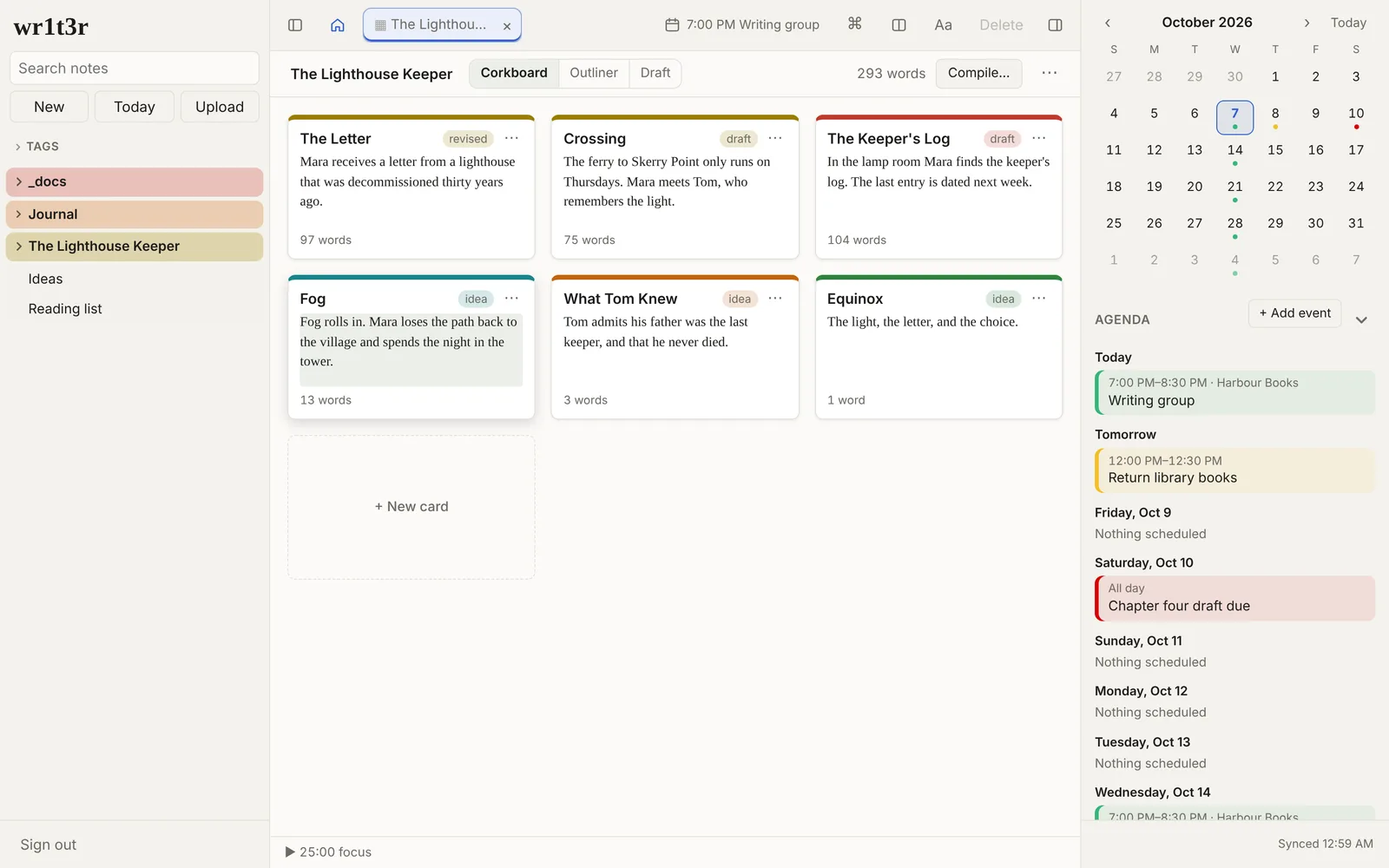
A corkboard for your scenes
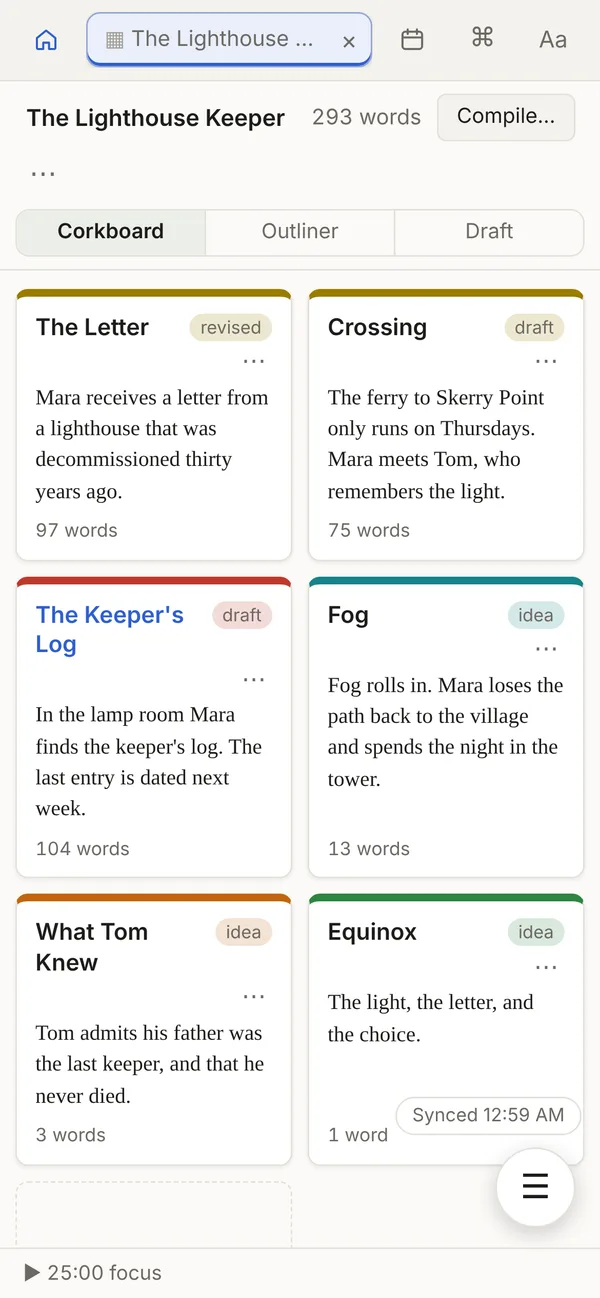
Each scene is its own note. Lay them out as index cards with a synopsis and status, drag them into order, and color them by point of view or thread. Switch to the outliner to see word counts and status in a table.
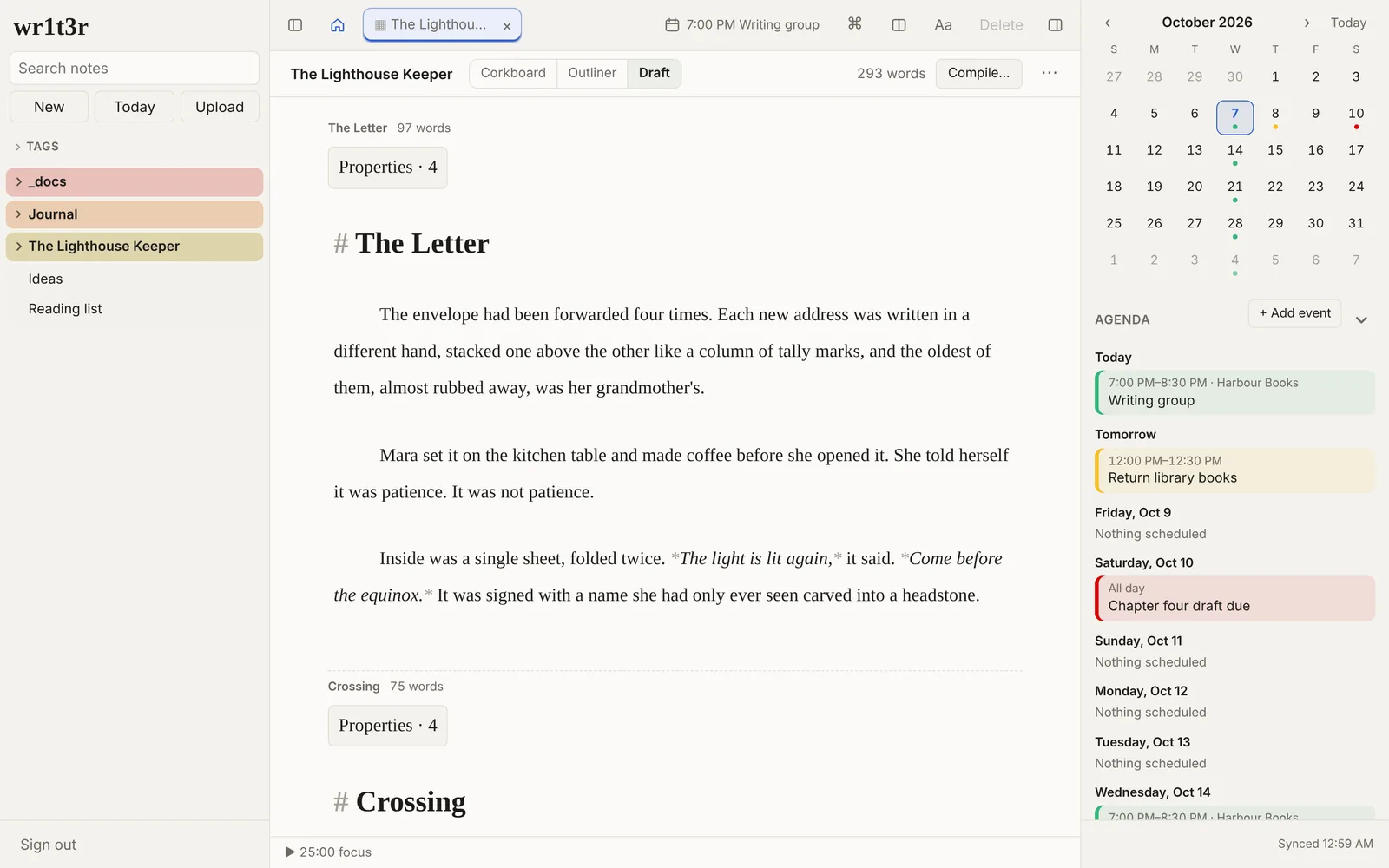
Read the whole draft as one document
The Draft view stitches a folder of scenes into one long page you can read and edit straight through. When it's done, compile it to a single Markdown, Word, HTML or PDF file, formatted as a manuscript.
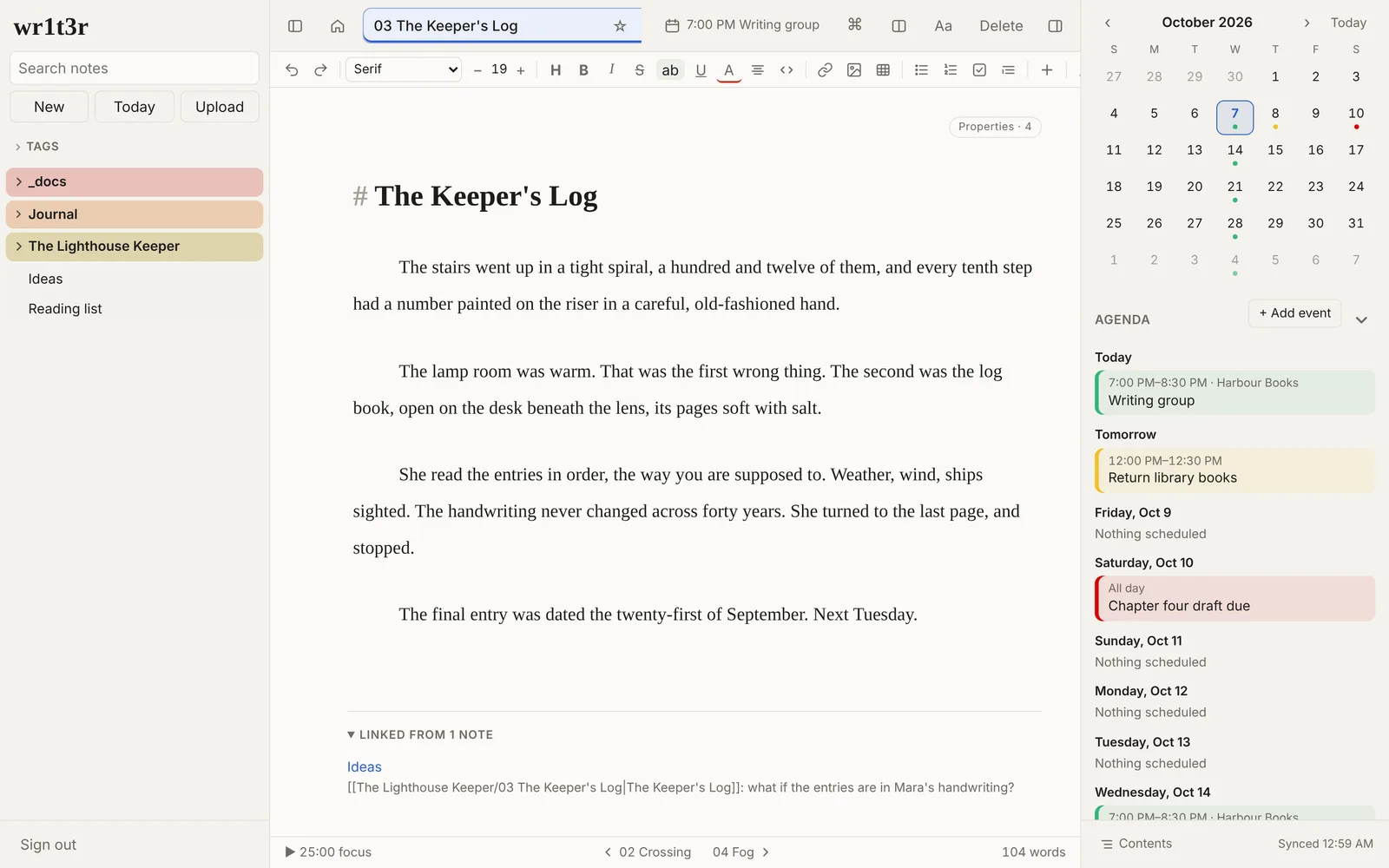
An editor that stays out of the way
Markdown with a formatting toolbar, a / menu for headings, lists, tables and checklists, [[links]] between notes that follow renames, footnotes, tags, focus mode, a writing timer and word goals. Grammar checking and dictionary lookups run on your device.
A day planner next to the writing
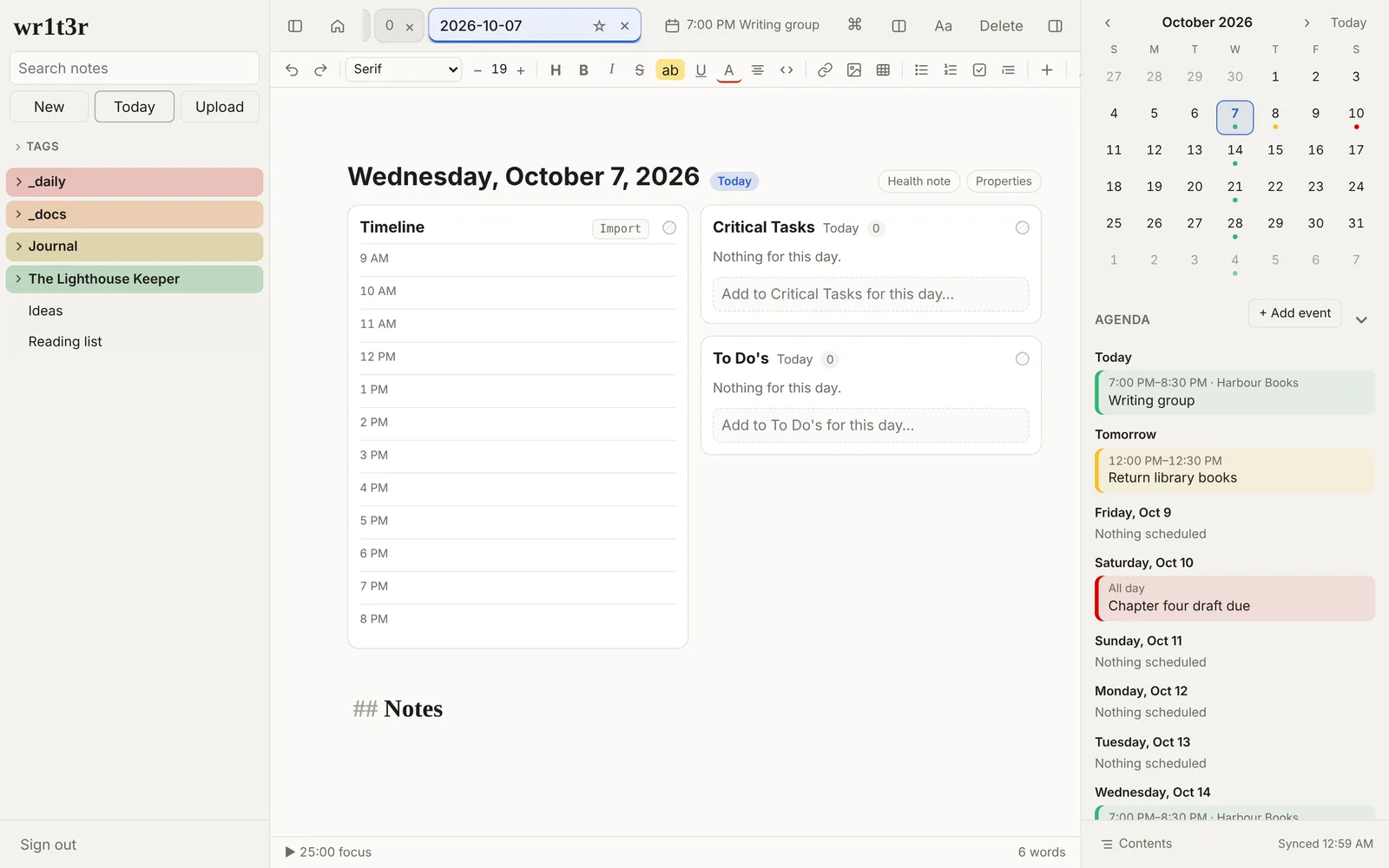
The Today button opens a note for the day with your tasks, a timeline and the calendar. Tasks with a time remind you. The calendar lives in your notes too, so it syncs with everything else.
On your phone too
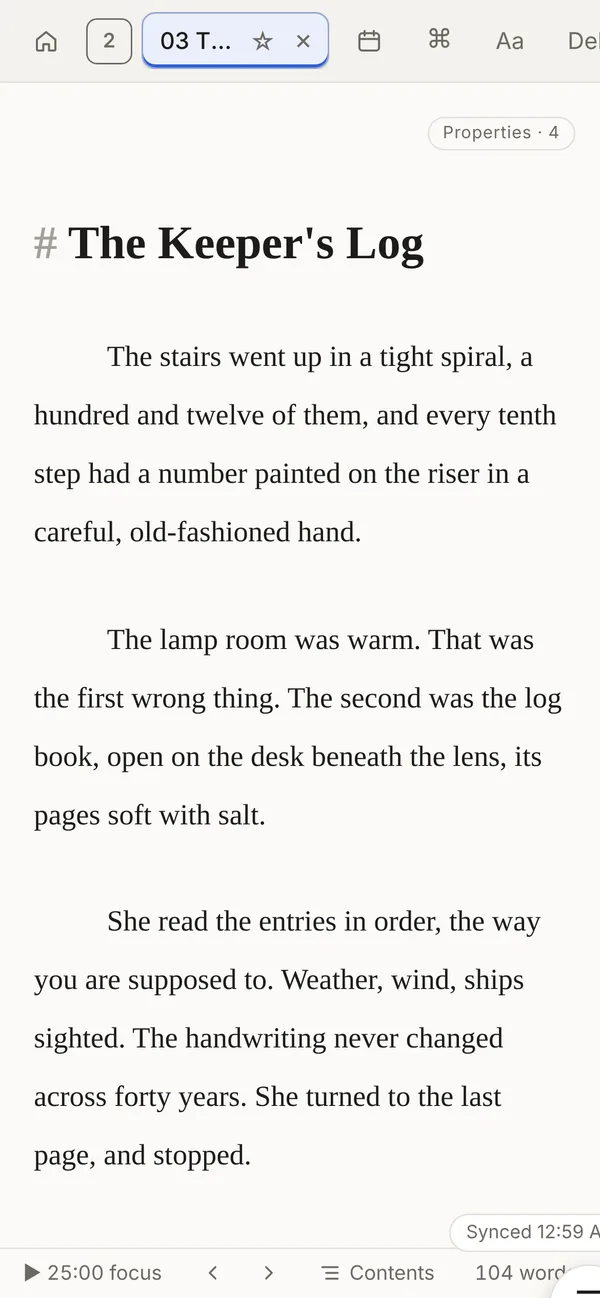
Add wr1t3r to your Home Screen and it opens like an app. Notes sync through your Dropbox, so the scene you wrote on the train is on your laptop when you get home.
Also in the box
- Boards for tracking anything in columns, with totals.
- Book, film and TV logs that look up the title and fill in the details.
- Templates for new notes, daily notes and logs.
- Version history for every note, with a side-by-side compare.
- Search inside pictures and PDFs, read on your device.
- Turn off what you don't use. Settings > Features hides whole parts of the app.
Your notes are yours
wr1t3r has no server holding your notes and no account to make. You sign in with Dropbox, and wr1t3r reads and writes only its own folder there (Apps/wr1t3r). The files are ordinary Markdown: open them in any text editor, back them up however you like, or stop using wr1t3r tomorrow and keep everything.
Pricing
$20 once
- Free for 14 days on each device, no card needed
- One license key for up to 5 of your devices
- Updates included
- No subscription
After you buy, your license key arrives by email. Paste it into Settings > License. Payments are handled by Lemon Squeezy.
Questions
Do I need a Dropbox account?
Yes. A free Dropbox account is plenty for text notes. wr1t3r only gets access to its own app folder, not the rest of your Dropbox.
Does it work offline?
Yes. Once wr1t3r has opened on a device, your notes are kept there too. Edits made offline sync the next time you're connected. If the same note was changed in two places, wr1t3r keeps both copies rather than losing either.
What happens when the trial ends?
wr1t3r asks for a license key. Your notes stay in your Dropbox the whole time, readable by any text editor, whether you buy or not.
Is there support?
wr1t3r is made by one person and sold as is. Email hello@wr1t3r.app for license and billing problems; there's no promise of feature requests or a response time.
Can I get a refund?
Try it free first. If it isn't working out after you buy, ask within 30 days for a full refund.